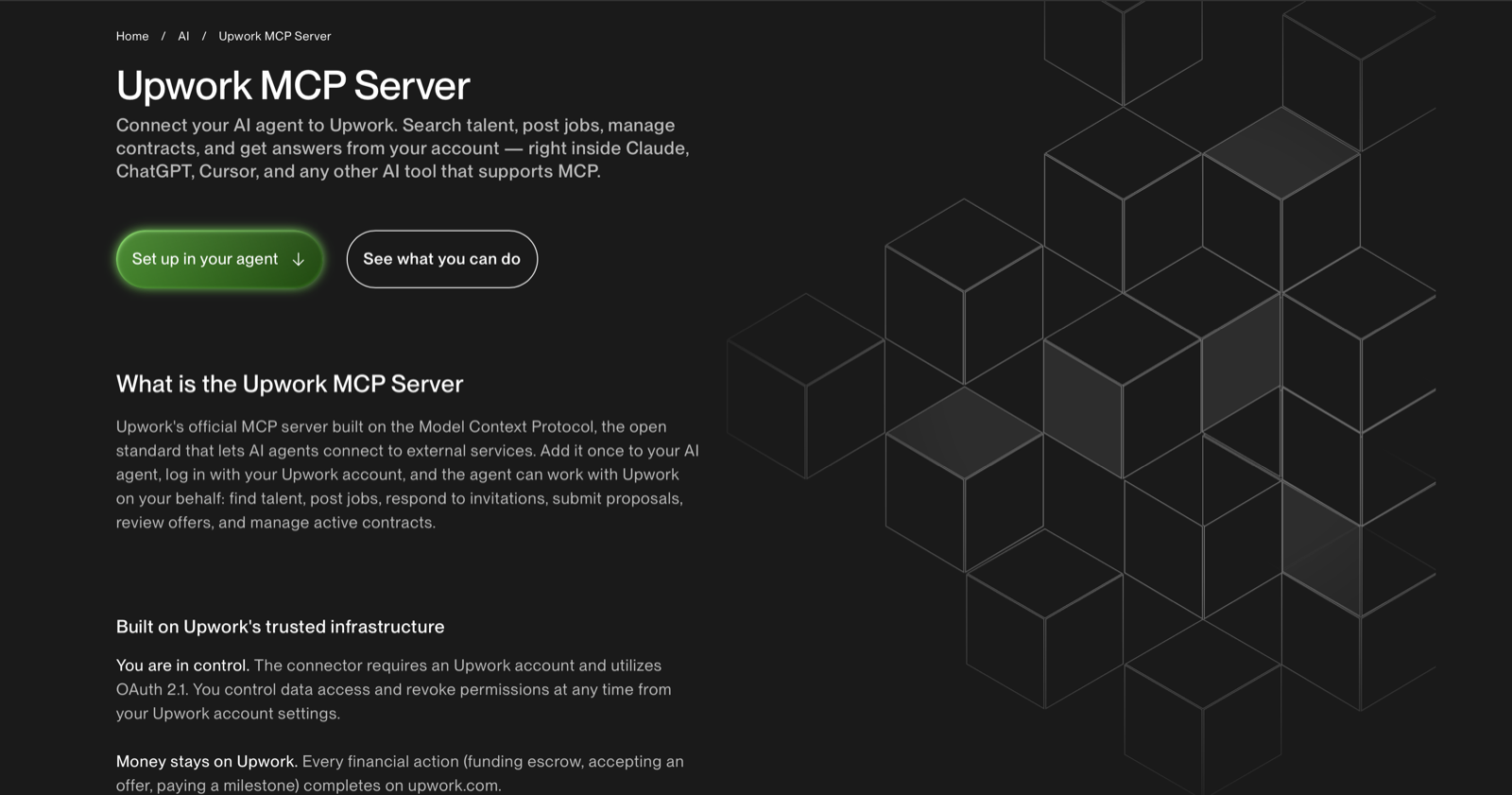
Upwork now has an official MCP server. At first, that sounds like another AI integration.
Connect Claude or another agent to Upwork and suddenly the agent can search jobs, inspect client history, look at your profile, read proposals, access messages and interact with different parts of your account. That is already useful.
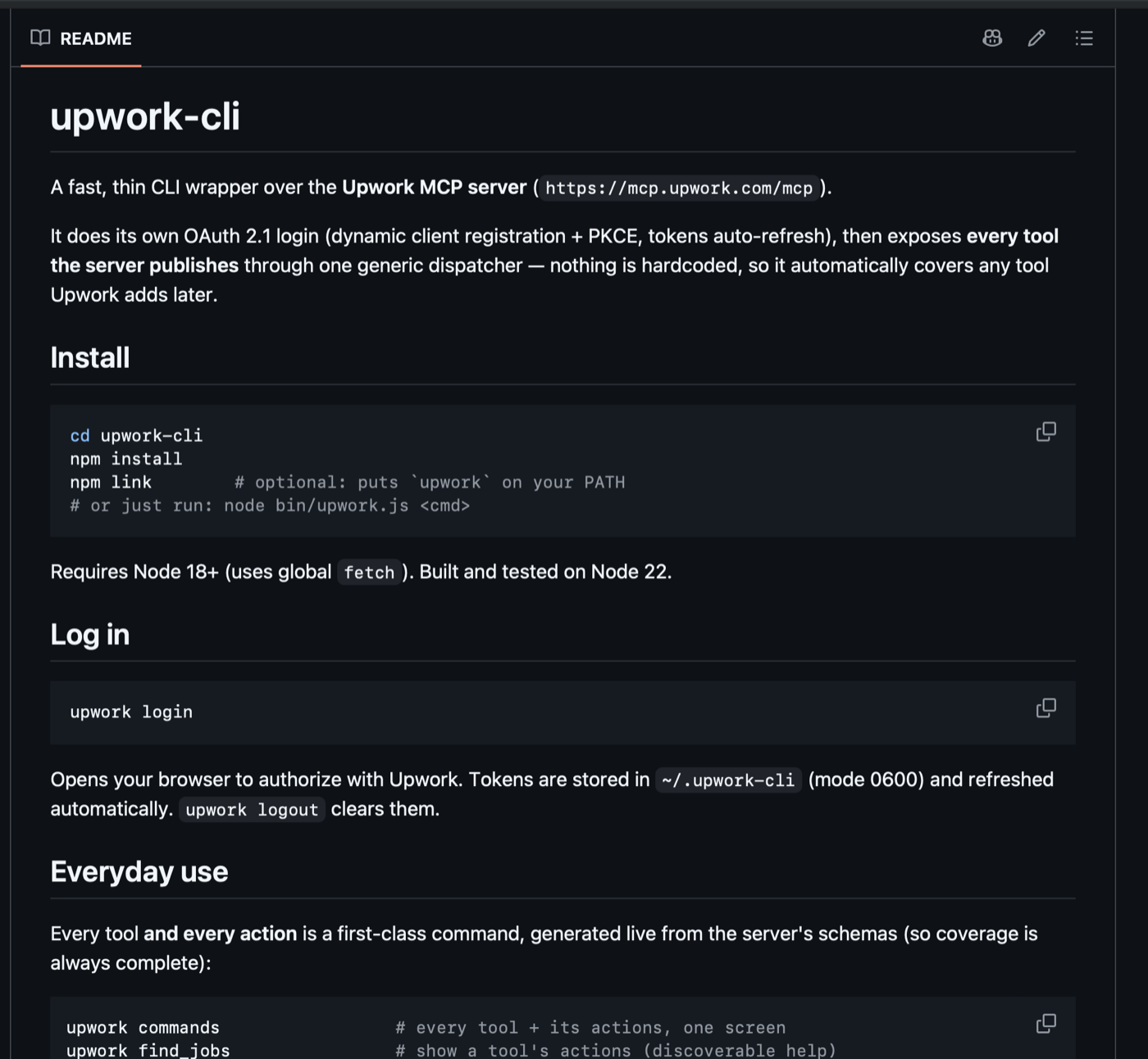
But I think the more interesting part starts when you stop treating MCP as something that only AI agents can use. So I built a CLI around the official Upwork MCP.
What is the Upwork MCP?
MCP stands for Model Context Protocol. The basic idea is simple: instead of an AI model only answering questions, an MCP server gives it tools it can call.
In Upwork's case, those tools can expose things like:
- job search & job details
- freelancer profiles
- client information
- proposals & contracts
- messages
- financial data & Connects
- offers & milestones
The official server therefore gives an AI agent a fairly large interface into Upwork.
Why build a CLI?
Because agents are useful, but they are not deterministic. If I ask an agent "find me five good n8n jobs," it has to understand the request, decide which tool to call, choose the right parameters, potentially make multiple calls, and then format the results.
That is great when I want reasoning. It is unnecessary when software simply needs data. With the CLI, I can instead do something like:
upwork find_jobs search -p query=n8n -p limit=5 --org talentNow the operation is explicit. Same tool. Same action. Same parameters. Predictable output.
The CLI essentially turns:
AI → decides what to do → MCP → Upwork
into:
Software → deterministic command → MCP → Upwork
And you can still put an AI agent on top whenever you actually need reasoning.
An agent should not have to be your API
This was the main reason I built it. You can technically put an agent behind a web application and ask it to perform operations for your frontend. But imagine refreshing a dashboard and having an LLM decide every time how it should retrieve your latest jobs. That is overkill.
Your frontend does not need intelligence to fetch data. It needs a predictable backend. So instead, you could have:
Upwork
   ↓
Official MCP
   ↓
CLI
   ↓
Backend / API
   ↓
Frontend
The agent becomes optional. For "which of these 20 jobs am I most likely to win?" — use an agent. For "give me these 20 jobs" — use a deterministic call.
What this makes possible
Once the Upwork MCP has a deterministic interface, you can build normal software around it.
Custom Upwork dashboards
Visualize jobs alongside proposal counts, client ratings, client spending, previous hires, budget, hiring activity and competitor bid ranges — your own interface around the data.
Automated job discovery
A script could search several keywords every hour, filter the results and send interesting opportunities into Slack, email, a database or another workflow.
Freelancer analytics
The MCP exposes information around your profile, jobs, transactions, Connects and other account data — so you can build your own analytics instead of relying only on Upwork's interfaces.
AI job analysis
This is where agents come back into the picture. A deterministic layer retrieves the jobs; an agent analyzes them:
Search 30 jobs
   ↓
Remove obvious bad matches
   ↓
Pull deeper client information
   ↓
Give 10 jobs to an AI
   ↓
Rank them by likelihood of winning
   ↓
Draft proposals for the best ones
The AI handles reasoning. The CLI handles predictable operations. That separation makes the whole system easier to control.
The bigger idea
The interesting thing here goes beyond Upwork. APIs traditionally let software talk to software. MCP lets AI agents talk to software. But once companies expose meaningful functionality through MCP, developers can build deterministic wrappers around those tools:
Application
   ↓
Deterministic layer
   ↓
MCP
   ↓
Existing platform
At that point, MCP is not only an interface for AI assistants. It can start becoming infrastructure that other software is built on. That is what I wanted to experiment with using Upwork.
The official Upwork MCP lets an agent interact with the marketplace. The CLI makes those same capabilities easier to call predictably from scripts, automations, backends and potentially full applications. And I think that is much more interesting than simply saying "Claude can now search Upwork."